
How to blur a WhatsApp screenshot
Chat names, numbers, and quoted replies. Then send the downloaded PNG, not a second capture of Markup.
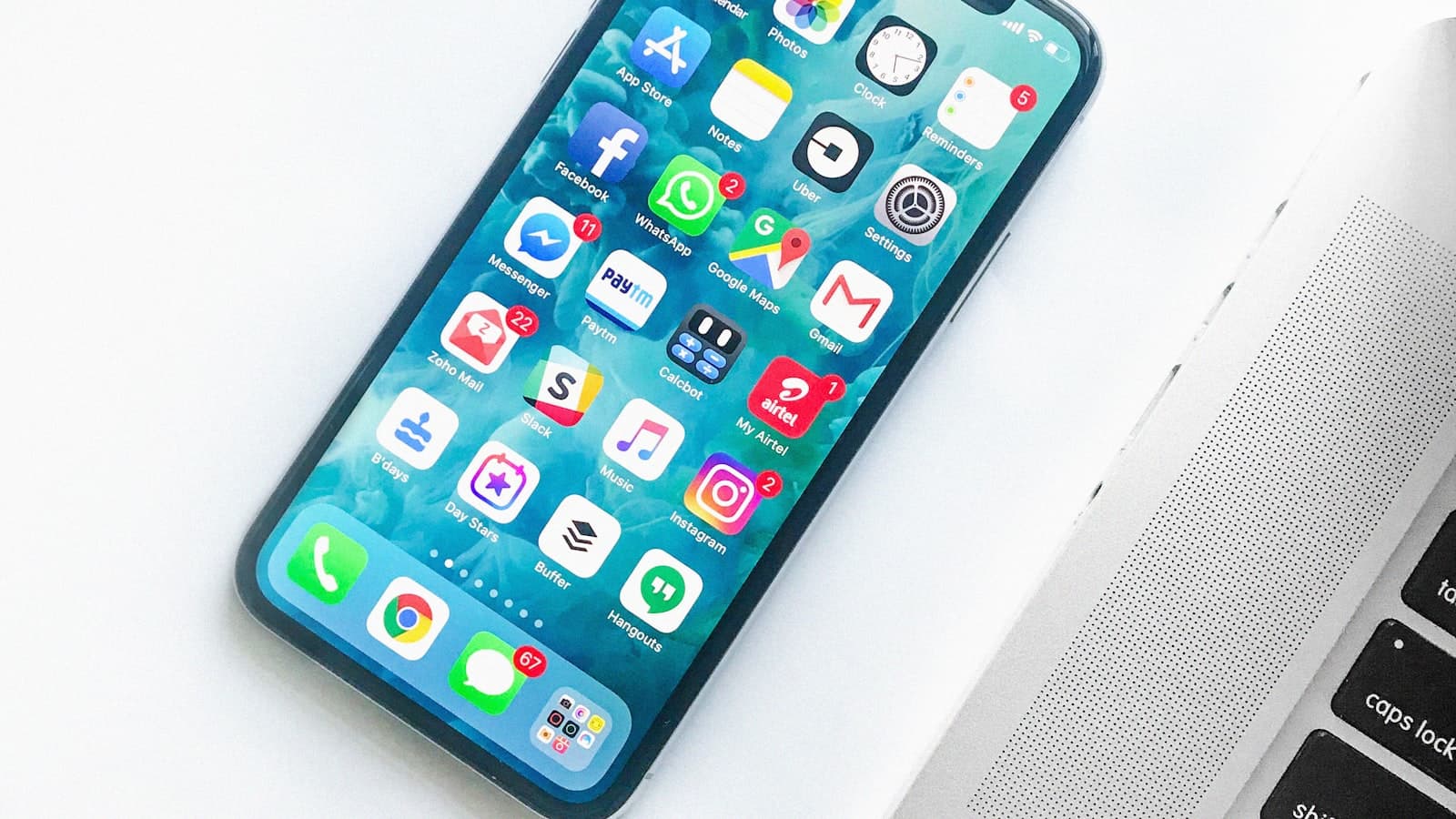
WhatsApp puts the other person’s name in 24-point type and parks their number in the details pane. A screenshot of “this funny bubble” carries both unless you cut the chrome.
The joke is in one message. The identity is in the header, the profile disk, the quoted reply, and sometimes a banner from a different chat that slid down during the capture. Treat those as separate layers. Cover them even if you think the group already knows who it is. The file will not stay in that group.
What to cover in the chrome
- Chat title: display name, business label, and the video-call cluster. Long-press tooltips can flash a number; do not capture mid-tooltip.
- Profile photo when it is a face or a workplace badge that should not travel with the meme.
- Quoted reply stubs that reprint a number, an address, or an earlier media caption.
- Status bar and notification shade: another chat’s preview, an OTP banner, a missed-call pill.
- Info screen if you captured it by mistake: phone number, groups in common, “about” text.
- Broadcast or community headers that name a neighborhood or a school.
- Link previews that unroll a maps pin or a payment request.
Crop to the bubble when the bubble is the proof. You skip a dozen bars. If you must show sequence, keep two or three messages and bar every name plate that repeats between them.
Black bar for numbers, names that act like numbers
A phone number in the header is a short digit string. Blur and mosaic fail on those. Paint a rectangle over the title if a number is visible, and over any +country-code line in the contact card. Display names that are just a number formatted with spaces get the same bar.
iPhone Markup highlighter on the header is a tint, not a cover. Android mosaic on a ten-digit string is still a short string. Draw an opaque bar, export PNG, send that file. Do not screenshot Markup and post the nested image into a compressed chat. That is how a reversible layer rides inside a JPEG.
Groups, status, and channels
Group screenshots leak a roster. The title, the member count, and the stacked avatars in the header are enough to identify a private circle. If the point is one message, crop until the roster is gone. Channel posts add a forward label; that label is another identity. Bar it when you would not publish the original poster as a source.
Status replies attach your name under someone else’s story. If you capture a status thread, cover every reply name you do not have permission to show.
OTP and login chrome
If the “funny message” is a six-digit login code, delete the draft. Do not bar it and send it anyway. The code is still valid for a short window, and the screenshot teaches people to photograph codes. Keep verification messages off social posts entirely. The longer version is in don’t screenshot the WhatsApp OTP.
Headers that show a number are also a SIM-swap ingredient when they travel with a name. Covering how to hide both is in hide phone number and email.
FAQ: Do I need to cover my own name?
If the post is public and your WhatsApp name is your legal name, yes, unless you want that byline. If you are sending the PNG to a friend who already has the chat, covering your own header is optional. Cover everyone else by default.
FAQ: What about disappearing messages?
The timer hides the bubble later in the app. It does not unwrite a PNG you already saved. If you captured a disappearing chat, the file is ordinary media. Bar it as if the timer never existed.
FAQ: Can I crop the header on the phone and skip a bar?
Yes, when the remaining pixels still prove the point. Watch the top safe-area: time, carrier, and a truncated name can survive a sloppy crop. After cropping, glance once more at quoted text and link previews.
FAQ: Desktop WhatsApp vs phone?
Desktop adds a left list of other chats. Crop that list or bar every row. The search box often still holds a name. Phone captures add a navigation bar and banners. Same rule: anything that is not the joke is chrome.
Load the chat PNG in the browser editor and cover the header before you forward the joke. BlurThis runs in the tab so the original never has to upload.