
How to blur an image
Plain guides to covering private details in a photo or screenshot — which tool actually hides text, what unblur sites can really recover, and how to do all of it without uploading the file.
2026-08-17
How to unblur an image (and when it is simply gone)
Unblur apps sharpen and guess. Here is what actually comes back from a blurred photo, what never does, and why uploading it is the bigger risk.
2026-08-17
Blur an image online, free, without uploading it
Most free blur image tools want your photo on their server first. You do not have to accept that trade. How a browser-only blur tool works.
2026-08-17
Blur an image with a brush instead of a box
A rectangle suits a line of text. Faces, logos, and signatures need a shape you trace yourself. How freehand blur selection works.
2026-08-17
Blur the background of an image without an AI app
No automatic subject detection here. Trace the background, blur it, keep the photo on your own device. When manual beats one-click.
2026-08-16
How to screenshot on a Mac
Shift-Command-3, 4, and 5, then cover names and numbers before you send the Desktop PNG. Nothing is uploaded.
2026-08-16
How to screenshot on Windows
Win + Shift + S, Snipping Tool, and Print Screen. Then bar digits before the snip hits Slack.
2026-08-16
How to screenshot on iPhone
Side and Volume Up, then skip Markup highlighter. Cover numbers in a new PNG before you share.
2026-08-16
Where do screenshots go?
Mac Desktop, Windows Pictures\Screenshots, iPhone Photos. Find the file, then cover it before you send it.
2026-08-16
Screenshot shortcut
Mac, Windows, and iPhone screenshot keys in one list, then cover private details before you share.
2026-08-15
Hide a credit card in a screenshot
Cover the PAN, expiry, and name on a card photo or checkout screen. A light blur is the wrong tool for digits.

2026-08-14
Hide your address and ID on a marketplace listing screenshot
Cover a house number, ID card, or pickup pin before you post a listing photo or chat screenshot.

2026-08-12
How journalists cover a source in a screenshot
Names, numbers, and map pins in a reporting screenshot. Black bars beat a light blur.

2026-08-10
Redact employee details before you share an HR screenshot
Salary, national ID, and home address in an HR tool screenshot should be barred, not scribbled.
2026-08-08
Students: blur a screenshot for class without leaking classmates
Group chats and LMS pages in homework. Cover names and emails before you upload.
2026-08-06
Redact a bug-report screenshot before you file it
Tokens in the URL, local paths, and user emails show up in bug captures. Cover them first.
2026-08-04
Redact a customer support screenshot before Slack
Support tickets leak emails and order IDs. A black bar travels better than a marker scribble.
2026-08-02
Why “proof of hack” is usually a screenshot
Extortion groups post dashboards as evidence. Your own screenshots can become that evidence if you share them raw.
2026-07-31
A PDF black box is not the same as a PNG bar
Court filings have leaked because a rectangle sat on top of copyable text. A flat screenshot is different.
2026-07-29
A phone number in a screenshot and SIM-swap scams
WhatsApp hijacks need a number and an OTP. A chat header you forgot to cover can hand both to a stranger.
2026-07-27
Don’t screenshot the WhatsApp code
Hijackers ask contacts to read a six-digit SMS. A screenshot of that code is the whole attack.
2026-07-25
Why extortion groups post screenshots of your admin panel
Ransom notes often include a picture of a dashboard. That is why you should cover yours before you share internally too.
2026-07-23
Researchers unblurred mosaiced text in 2016. Your OTP is not special.
A PETS paper showed blur and mosaic on text can be recovered. Short numbers are the easy case.
2026-07-21
iPhone highlighter doesn’t hide text. Photos can undo it.
9to5Mac showed Markup marker strokes lifting with a brightness slider. Use a filled shape or a baked PNG.
2026-07-19
Hide an API key in the URL bar before you screenshot
Browser chrome is where tokens live. Cover the whole address bar, not just the tab title.
2026-07-17
The notification that ruined the screenshot
Banners, names, and message previews sit on top of the thing you meant to share. Cover them or wait them out.
2026-07-15
Crop or black bar? When cutting the photo is enough
If the secret is in the corner, crop. If it sits in the middle of the UI, bar it.
2026-07-13
Save a redacted screenshot as PNG, not a mushy JPEG
WhatsApp compression and JPEG ringing can leak edges around a weak blur. PNG is the boring safe export.
2026-07-11
Screenshots and GPS: strip the leftover metadata
A photo from Camera may still carry EXIF. A new PNG from a canvas editor usually does not. Check which you sent.
2026-07-09
Can you unblur a screenshot?
Sometimes, if the blur is light and the text is short. A solid bar does not have that problem.
2026-07-07
Blur vs black bar on a screenshot
Blur looks tidy. Black replaces the pixels. Use black for numbers, passwords, and anything you’d rotate if leaked.

2026-07-05
Blur names on a Zoom or Meet screenshot
Tiles, chat, and the participant list. Cover people who didn’t agree to be in the recap.

2026-07-03
Cover a banking-app screenshot before you send it
Balances, IBANs, and last four digits. Do not “soft blur” an account number.

2026-07-01
Redact a Microsoft Teams screenshot
Org names, emails, and meeting codes in the sidebar. Same rules as Slack, different chrome.
2026-06-29
Blur a Telegram screenshot
Usernames, phone numbers in bios, and forwarded headers. Cover more than the last bubble.
2026-06-27
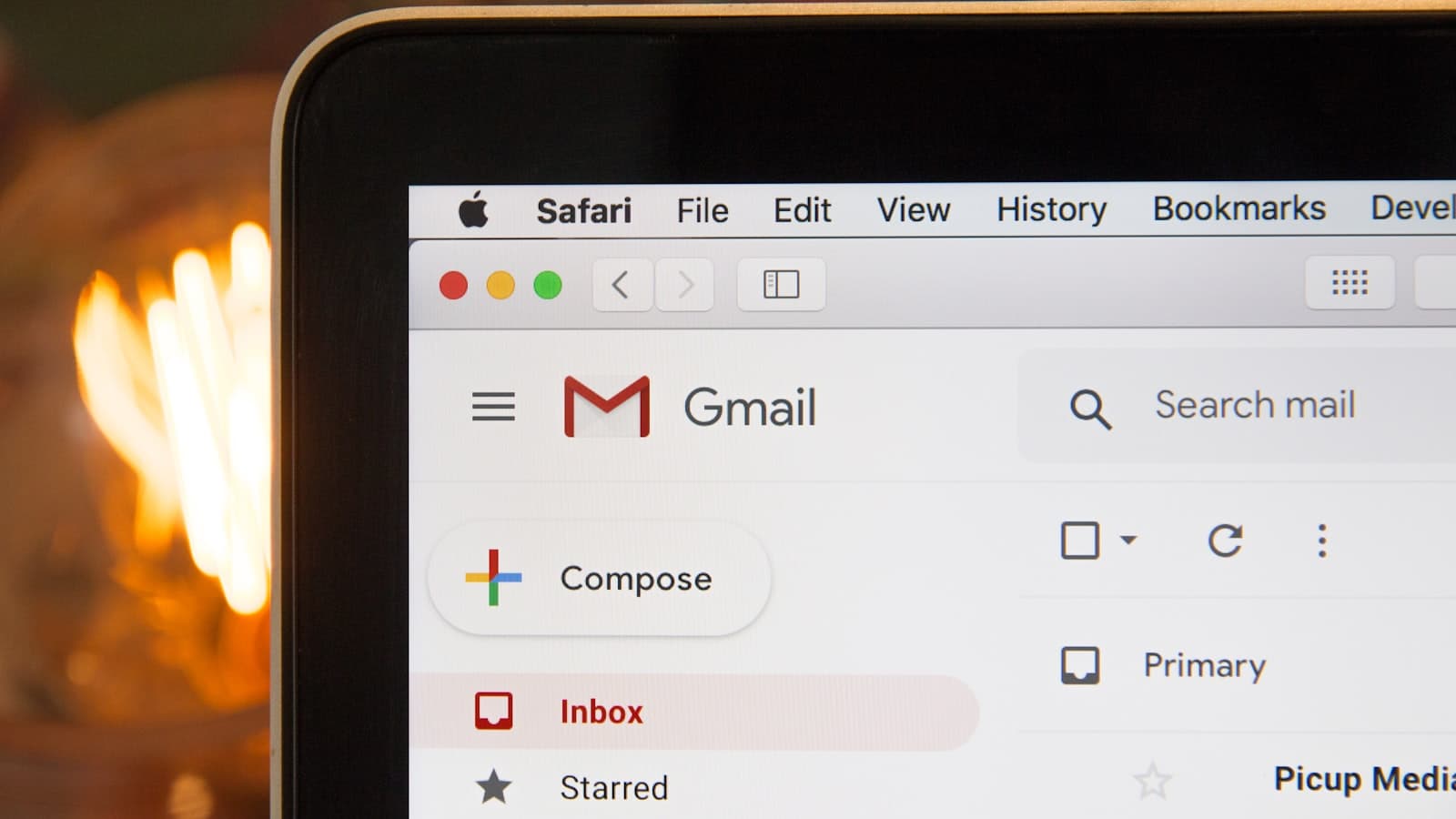
Hide emails in a Gmail screenshot
Inbox list, tabs, and the To field. One bar on the message body is not enough.
2026-06-25
Redact a Discord screenshot (tokens love the address bar)
Server names are the least of it. Developer tools and bot URLs show up in Discord captures.
2026-06-23
Blur a Slack screenshot before you post it in another channel
Workspace URLs, emails, and snippet tokens. Support teams do this all day.
2026-06-21
Blur an Instagram screenshot (DMs, not just the grid)
Handles in comments, story viewers, and DM headers. Crop is often cleaner than a dozen bars.
2026-06-19
How to blur a WhatsApp screenshot
Chat names, numbers, and quoted replies. Then send the downloaded PNG, not a second capture of Markup.
2026-06-17
Hide a phone number or email in a screenshot
Cover a phone number or email before you send a screenshot. Black bar is safer than a light blur.
2026-06-15
How to blur part of an image, not the whole picture
Drag a box over one region and leave everything else sharp. That is the whole trick, on a photo or a screenshot.
2026-06-13
Blur a screenshot online without uploading it
Some sites send the file to a server. Check the Network tab. Local canvas tools never need that step.
2026-06-11
How to blur a screenshot on iPad
Markup on iPadOS has the same highlighter trap as iPhone. Filled shapes or a browser tool.

2026-06-09
How to blur a screenshot on a Chromebook
ChromeOS capture is easy. Blur is not built in. A tab that never uploads the PNG is enough.
2026-06-07
How to blur a screenshot on Mac
Preview Markup can drop a filled rectangle. For actual blur, don’t fight Preview filters — use a flat export.
2026-06-05
How to blur a screenshot on Android
Some galleries have mosaic. Many don’t. A browser tab on the phone still works.
2026-06-03
How to blur a screenshot on Windows
Win + Shift + S, then Paint for a bar, or a browser tab for blur. Snipping Tool Text Actions only catch some emails.
2026-06-02
How to blur a screenshot on iPhone
Markup highlighter is often unsafe. Use a filled square or download a PNG from a tool that paints pixels.
2026-06-01
How to blur a screenshot
Phone, computer, or browser: cover one region, export a new file, send that — not the original.