
How to blur a screenshot on iPhone
Markup highlighter is often unsafe. Use a filled square or download a PNG from a tool that paints pixels.
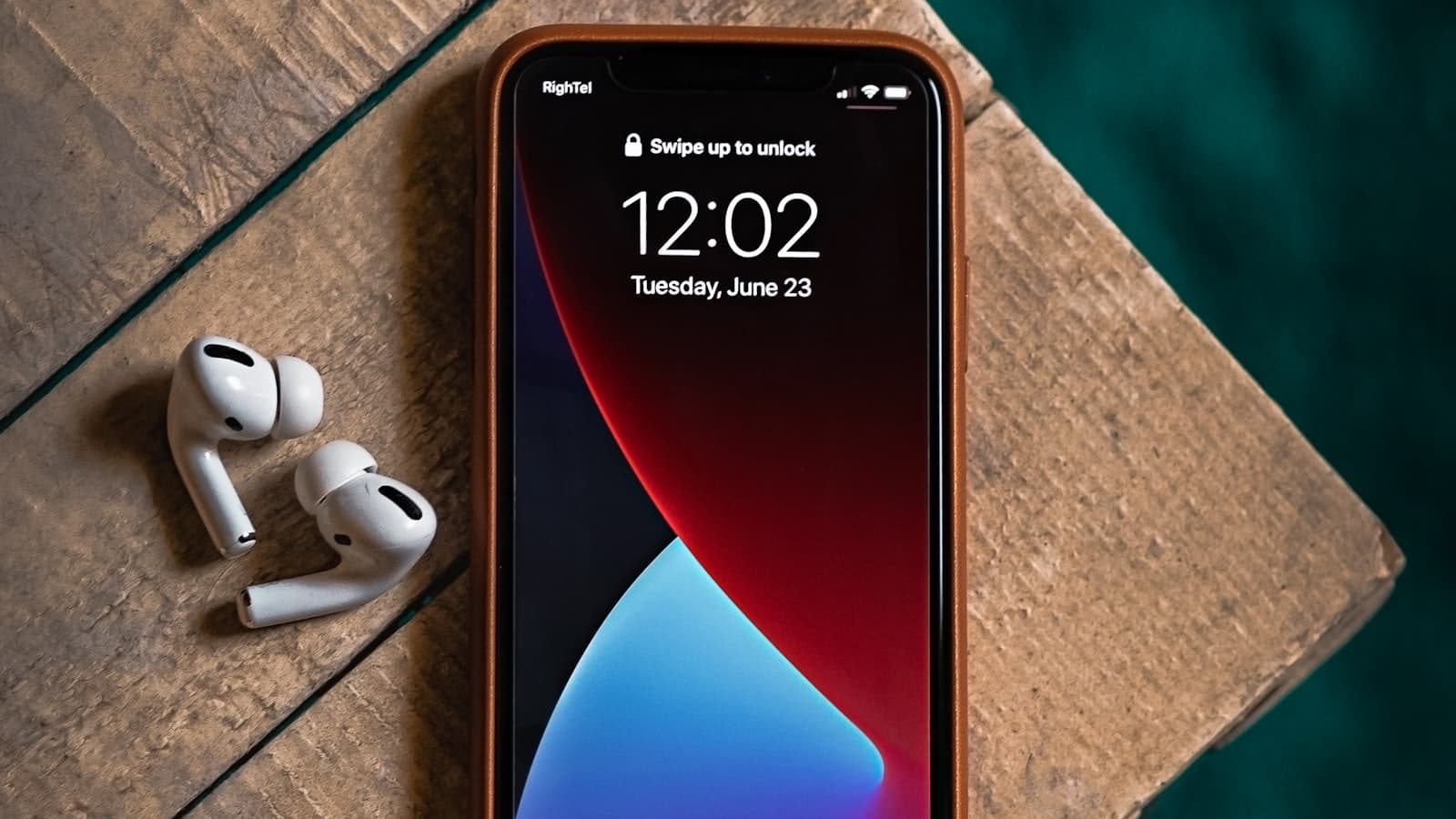
Open a screenshot on iPhone, tap Markup, pick the highlighter, drag it over a password. It looks done. It is not. If you still need the capture keys: how to screenshot on iPhone.
In 2018, 9to5Mac walked through the same Photos edit: raise brightness and brilliance and the “covered” letters come back. Lifehacker later told people to stop using that highlighter as a redaction tool. The control is still in Markup. It still looks like a marker. Landlords, teachers, and group chats still receive those files.
Does the iPhone highlighter hide text?
Often no. Highlighter in Markup is frequently a translucent overlay. Brightness stretches the remaining contrast until glyphs are readable again. That is reversible redaction, which is not redaction. A filled rectangle, or pixels replaced in a PNG, does not leave contrast to stretch. If you only remember one sentence from this page, remember that.
The longer incident write-up, with the same citations, is iPhone highlighter doesn’t hide text. This page is the practical sequence on the phone you are holding.
How do you redact a screenshot in Markup?
- Capture with the side button and volume up, or open an existing shot in Photos.
- Tap Markup. Choose the pen or a shape, not the highlighter.
- Pick a solid color. Black is honest. Draw a fat rectangle until no glyph peeks out, including descenders.
- Tap Done, then save. Send that copy, not “Share Original.”
Shapes → filled square is cleaner than freehand. Zoom in with two fingers. Status-bar odds and ends, keyboard suggestions, and the contact name in a chat header are the bits people miss while they concentrate on one bubble.
Duplicate the image in Photos first if you still need the unredacted file for yourself. Markup edits can be easy to confuse with the only copy you have. A duplicate costs nothing. Sending the wrong one to a thread costs a lot.
How do I blur a screenshot on iPhone without an app?
Markup does not give you a Gaussian you can trust for short numbers. Apple’s tools are fine for arrows and circles on a bug. They are a weak privacy product. If you want actual blur, or a bar that is pixels instead of a layer, use Safari.
On the phone, open BlurThis in Safari, pick the screenshot from Photos, drag a region, and download redacted.png. That file is baked. It is not a yellow stroke sitting on top of the JPEG. No App Store listing. No account.
Files app will show the download. Share that PNG into iMessage or WhatsApp. Do not take a second screenshot of Safari to “save” it. You would reintroduce compression and maybe the Safari chrome.
What should I cover besides the obvious line?
Chat headers repeat phone numbers. Quoted replies repeat them again. Mail subjects in a list view name other people. The keyboard bar sometimes reprints the password you just typed, even when the field itself is dots. A notification can slide in while your thumbs are on the buttons. Wait, swipe it away, or bar the banner.
Live Photos and screenshots are different objects. You are editing a still. If you somehow attached a Live Photo of a card or a passport, that is a different mess: extra frames, maybe audio. For a normal screenshot, still treat the chrome as hostile.
iPad is the same trap
Apple Pencil makes a yellow wash that looks professional on a 12.9-inch display. Recipients can still run the brightness trick. Filled shapes or a browser tab. The iPad walkthrough is Markup with more canvas, including Split View.
When should I skip blur on iPhone?
Phone numbers, emails, OTPs, card digits. A light smear on a six-digit code is the easy case for anyone who later cranks contrast. Paint a bar. Zoom until the bar is opaque. If you can still guess a character at the edge, enlarge the shape.
Then look at the export. Photos likes HEIC and JPEG. For a redacted shot you will share in a compressed chat app, a PNG from a canvas editor is the boring safe object. Send the file you downloaded, once.