
How to screenshot on Windows
Win + Shift + S, Snipping Tool, and Print Screen. Then bar digits before the snip hits Slack.
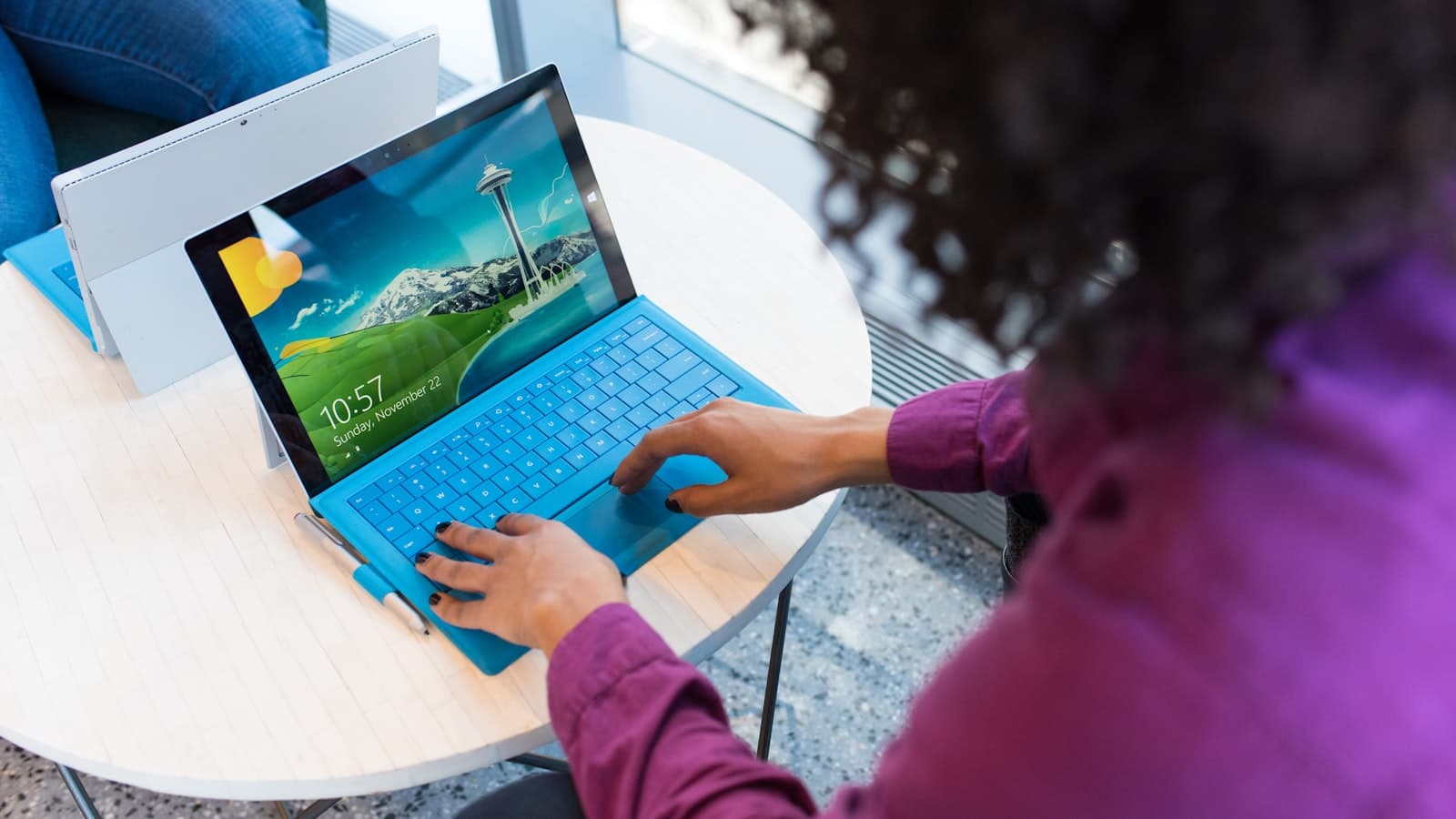
Windows gives you more capture keys than one person remembers. Win + Shift + S is the one that matters for a selected region. Print Screen and Win + PrtSc still exist. Snipping Tool is the app behind the overlay.
Capture is not redaction. Snipping Tool can scribble. A light scribble is not a bar. After you snip, cover emails and numbers, then export a PNG. Official capture steps: Microsoft’s Snipping Tool guide.
How to screenshot on Windows
- Region (Snipping overlay): Windows logo key + Shift + S. Drag a rectangle. The snip copies to the clipboard. A notification opens Snipping Tool so you can save.
- Full screen to a file: Win + PrtSc (Print Screen). The screen dims. A PNG lands in Pictures\Screenshots.
- Active window to clipboard: Alt + PrtSc. Paste into an editor. There is no file until you save.
- Print Screen alone: often copies the full screen, or opens Snipping Tool if you turned that on in Settings.
- Video snip: Win + Shift + R in current Snipping Tool builds.
If Win + Shift + S does nothing, search Start for Snipping Tool and check Settings → Accessibility → Keyboard for the Print Screen shortcut. Laptop keyboards sometimes need Fn + PrtSc.
Snipping Tool vs a black bar
Snipping Tool’s pen and highlighter sit on top of pixels. They look covered in the preview. They are a poor match for a card number or an API key. Paint can fill a rectangle. Preview on Mac has the same trap. For a number you would rotate if leaked, paint an opaque bar and flatten it into a new PNG. Blur or bar a Windows screenshot is the redaction page. This page is the capture page.
Where Windows puts the file
Win + PrtSc → Pictures\Screenshots. Overlay snips → clipboard first, then the Screenshots folder if auto-save is on. Game Bar (Win + Alt + PrtSc) → Videos\Captures. Details: where screenshots go.
Cover it before Slack or email
Paste or drop the snip into BlurThis. Nothing is uploaded. Black bar for digits, tokens, and OTPs. Download PNG. Do not screenshot the editor into a JPEG and send that.
FAQ: What is the screenshot shortcut on Windows 11?
Win + Shift + S for a selection. Win + PrtSc for a full-screen file. Both are current in Windows 11.
FAQ: Why is my snip only on the clipboard?
The overlay copies first. Open the notification, or press Win + V if clipboard history is on, then save. Or use Win + PrtSc when you want a file immediately.