
Hide API keys and .env in screenshots before a bug report
Black-bar API keys, tokens, and .env lines before you attach a bug-report screenshot. Rotate anything that was on screen.
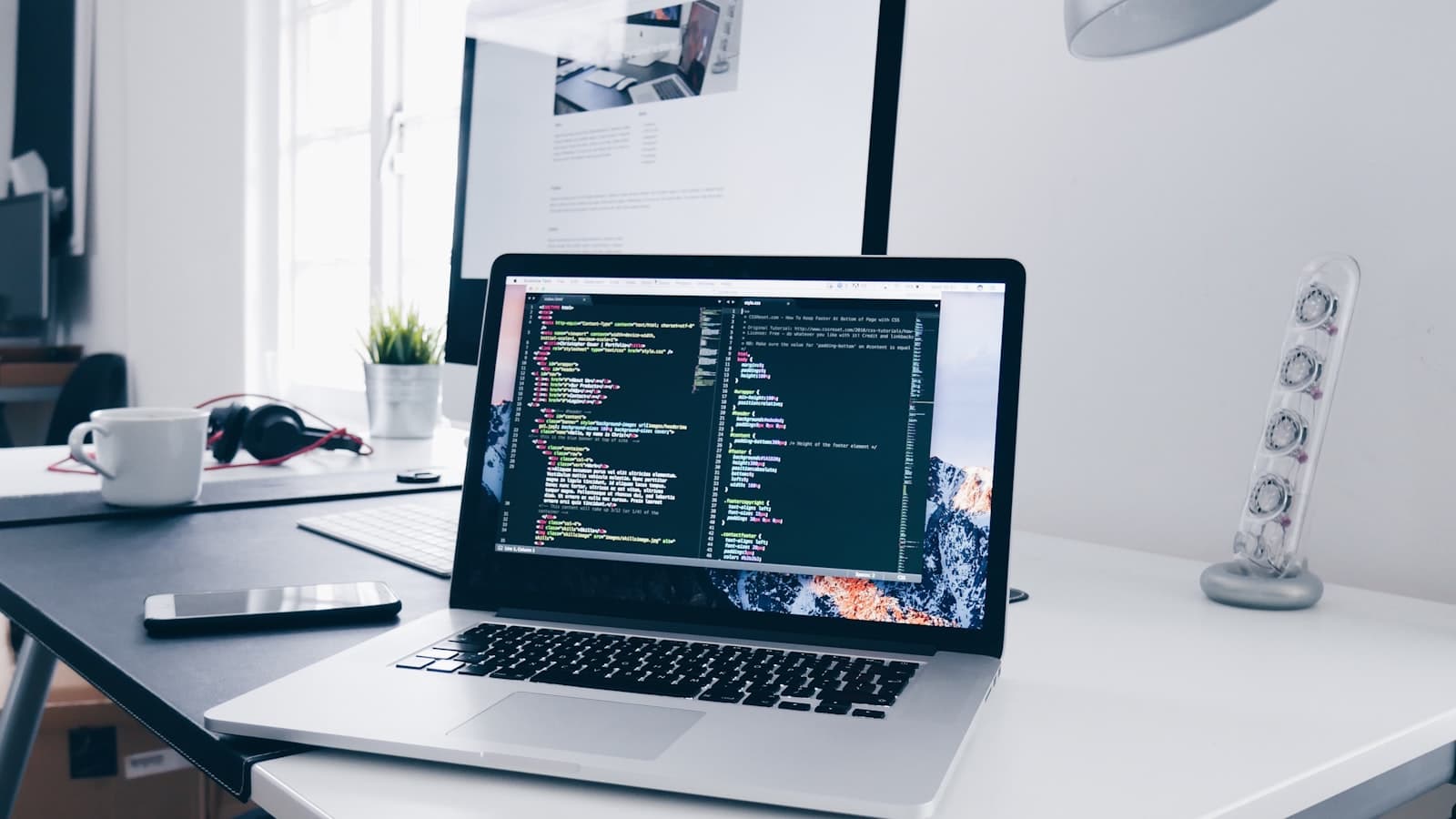
To hide an API key before a bug report, black-bar every sk_, AKIA, bearer token, and .env line in the screenshot — then attach that PNG, not the raw IDE or DevTools capture.
Public GitHub issues and vendor portals get scraped. Soft blur on a key is still a key. Rotate anything that was on screen.
How to hide an API key before a bug report (step by step)
Crop to the stack trace or broken UI. Use Black bar on keys, tokens, cookies, and the full address bar — not a light smear over the middle characters.
On your phone or computer
Windows: Win + Shift + S → Paint. Filled black rectangles over .env lines, Authorization headers, and query strings.
Mac: Preview → Markup with a filled shape over the same secrets, then export a new file.
Phone: Photos Markup or Android gallery solid covers if you captured a mobile console or QR that encodes a secret.
Or finish in a browser (optional)
Want to do it in a tab with no install? BlurThis is one free option. The file stays on your device. Other browser tools work too if they paint on the page and do not upload the image.
- Open the editor in your browser. No account needed for BlurThis.
- Drop the screenshot, tap Upload from PC or Mobile, or paste with Ctrl / ⌘ + V on a computer.
- Pick Box or Draw. Use Black bar for phone numbers, emails, and OTPs. Use Blur for faces when a soft cover is enough.
- Drag over each private spot. Pinch or use + / − to zoom. Leave a little padding so no letter peeks out.
- Tap Download PNG. Send that file. Keep the original out of the chat or ticket.
What to hide before you file the bug report
- API keys, PATs, and
sk_live/ cloud access keys. .env, secrets.json, and config panes with real values.- Authorization headers, cookies, and JWT fragments in DevTools.
- URL query tokens and magic-link paths in the address bar.
- Local paths with your username and internal hostnames.
- Customer emails or IDs sitting in “dummy” fixture rows.
Write repro steps in text. Use the image for the layout bug or console error only. Broader hygiene is in redact a bug-report screenshot and hide API keys in the URL bar.
Rotate after any doubtful cover
If a character of the key peeked out, treat it as leaked. Rotate in the provider console, then post the follow-up with a clean snip. Secret scanning helps on GitHub — it does not undo a Slack thumbnail.
FAQ: The key was already in the repo — does the PNG matter?
Yes. A screenshot is a second channel with previews in email and mobile notifications. Rotate either way.
FAQ: Can I star-out the middle of the key?
No. Paint an opaque bar over the whole string, or crop the panel out. Partial masks still leak length and prefixes.